| • | Click on the Create A Folder icon  |
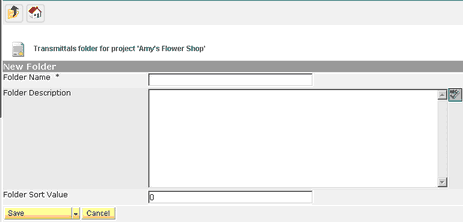
| • | Insert the folder name, description and sort order (if applicable). The sort order will be as created unless defined differently. |
| • | Saving |
| • | Save Folder to save; will bring you back to the main screen |
| • | Save & New to create another folder |
| • | Save & Copy to copy and create another folder |
| • | Cancel will cancel out folder |

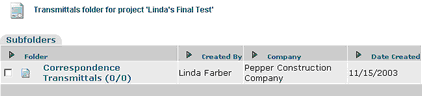
To create a log inside a folder, click on the folder name and proceed with the transmittal process as shown above.
If you create a folder structure, you have the option to Move or Copy daily reports from folder to folder. Select the daily report by clicking on the selection box to the right of the report, select Copy To or Move To, select the folder and then click on the green arrow icon.


